Communication and tasks
Always in contact with drivers
Efficient communication and task allocation in one system
GPS-Buddy's Driver App keeps drivers and field staff directly connected to the office. Assignments go straight into the app, updates come back just as fast, and on the road the planner or driver can add a task themselves. Packaging and time registration run through that same app.
What communication and tasks delivers
The status of every task in real time
A task shows as planned, started or completed in the app. Driver and office see the same status at the same moment.
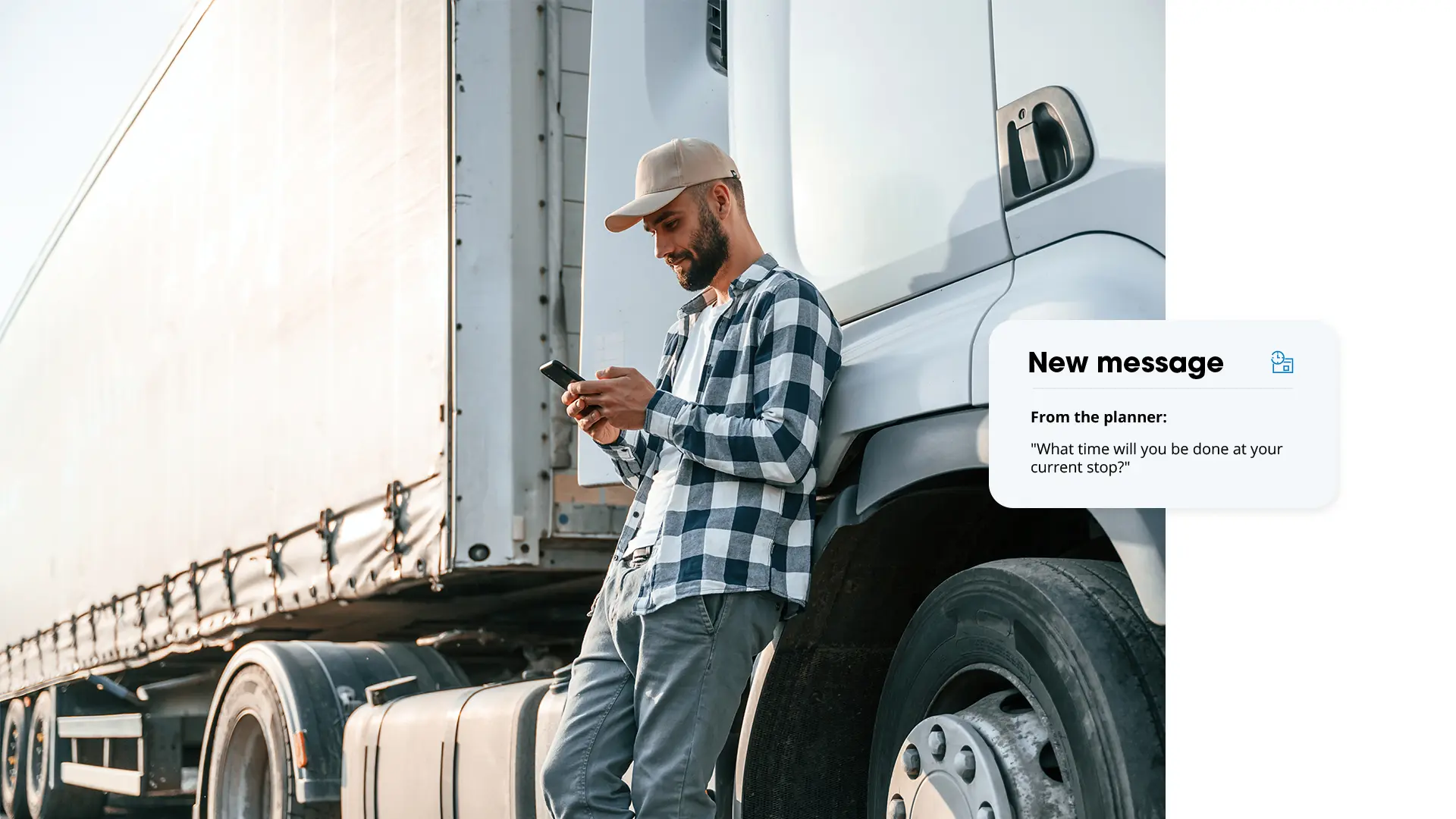
Messages sent straight to the road
A message goes directly to the mobile app of the driver or field worker, without a phone call or separate channel in between.
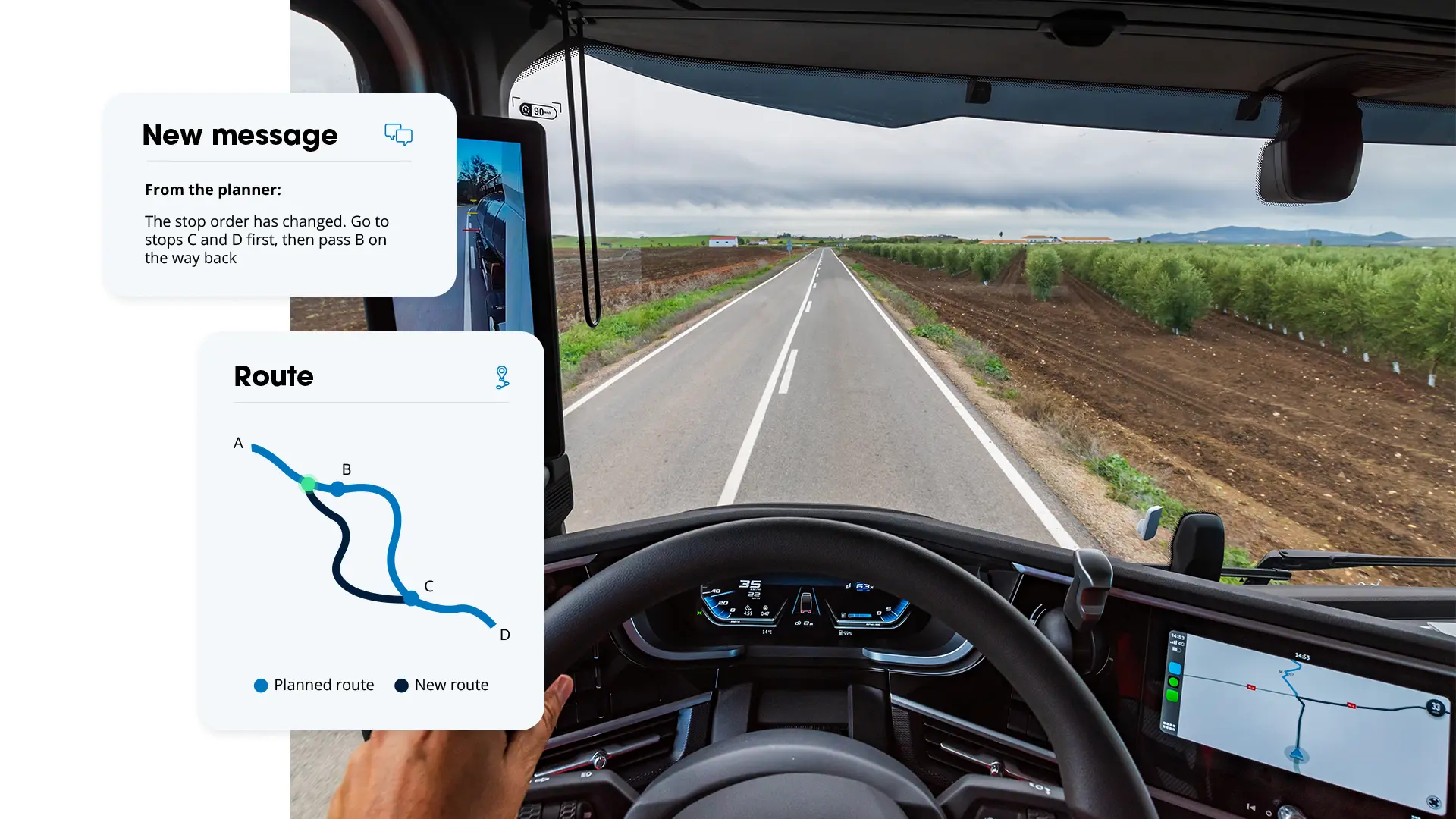
Add or adjust tasks, even on the road
A schedule is never fixed. Tasks can be added or adjusted on the road, by both planner and driver.
Proof of completion, recorded instantly
A photo, signature or note with every completed task is instant proof, with no paperwork afterwards.
2,000+ market leaders trust our technology


Direct contact and real-time adjustment
The Driver App works on smartphone or tablet. Messages and tasks are sent and received instantly, so you can respond immediately to a delay or a changed schedule. Everything runs through one system, from planning to execution.
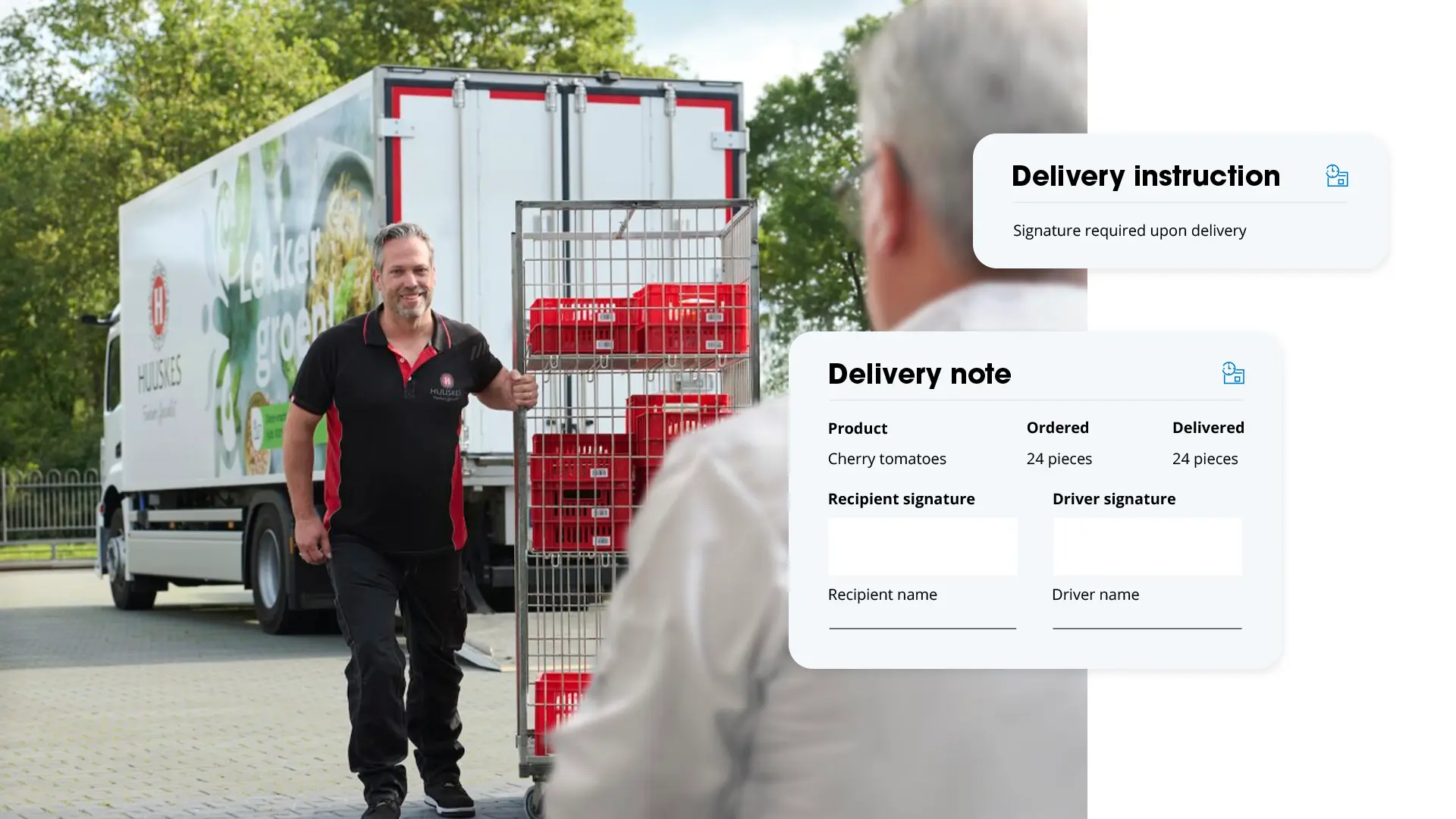
Trip assignments, navigation, work order in one overview
Drivers see all their trips clearly in the Driver App, including truck navigation via HERE, Waze or Sygic. Delivery completed? The app immediately sends a digital work order, with signature, photos and status update. For field staff, the same principle applies to tasks: from assignment to proof of completion, without separate paperwork.
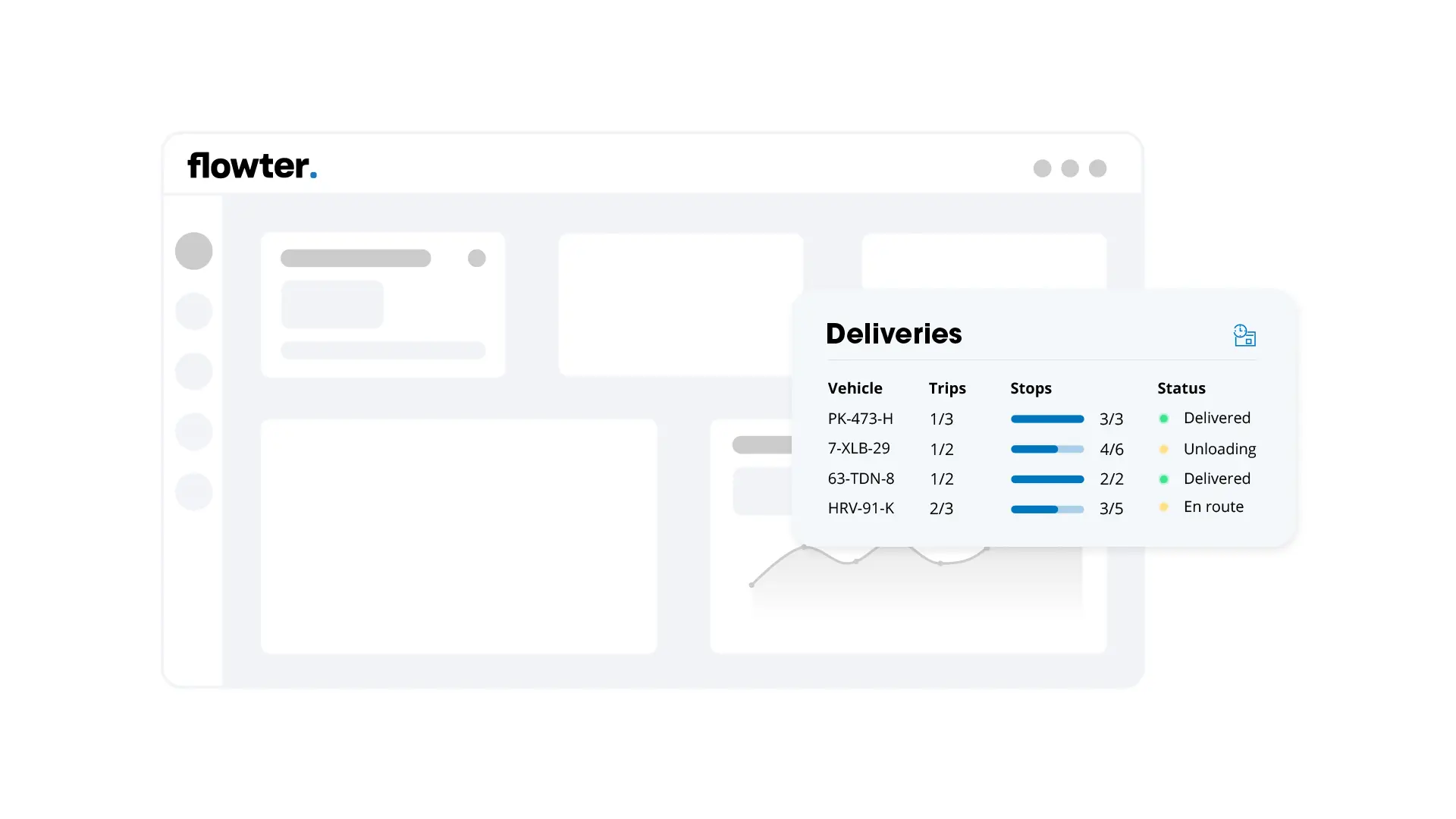
Reporting and feedback per task
For every task you can see afterwards who carried it out, when, where and how long it took. Useful for cost calculation, project accountability or internal quality control. The data is recorded automatically and easy to export.
Insight into tasks and communication, control over everything that moves
The Driver App provides insight into tasks and communication with the driver. Within the GPS-Buddy system, that information sits alongside the data from vehicles, machines and equipment. This gives you control over today's trip, and over everything that moves within the organisation.
Read more about communication and tasks
Frequently asked questions and answers. Can't find your question? Get in touch with us.
Who is the Driver App for?
For companies in transport, construction, and infrastructure that manage drivers or field staff remotely. From a planner or dispatcher adjusting routes on the go, to a supervisor assigning tasks on the construction site.
What is the benefit of the Driver App?
Communication, tasks and proof of completion all run through one app, instead of separately via phone or different channels. This prevents misunderstandings and duplicate work between the office and the road.
Does the Driver App also work for navigation?
Yes. Drivers navigate from the app via HERE, Waze or Sygic, tailored to truck routes.
How does proof of completion work?
When completing a task or delivery, the driver or field worker adds a photo, signature or note. For deliveries, this automatically becomes a digital work order.
Which devices does the Driver App work on?
On smartphone and tablet, so drivers and field staff can work with their own or a company device.
Can I also digitise packaging and time registration?
Yes. Packaging and time registration run through the same app, directly linked to the trip or task.