
facebook
TR
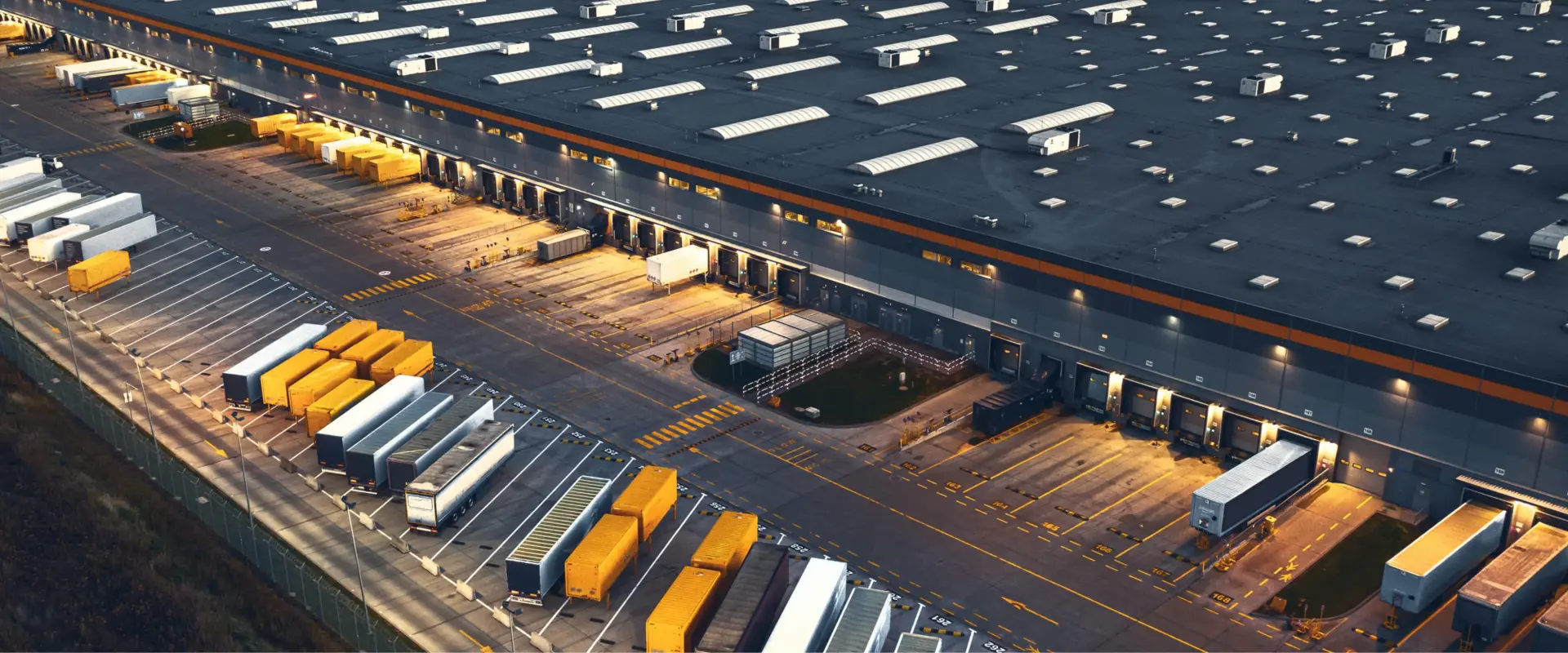
Aerial view of a large distribution centre at dusk, with trailers at the loading docks and semi-trailers and swap bodies parked on the yard.
Alerting

Always informed with real-time notifications

Deviations detected automatically in Flowter

With Flowter, the GPS-Buddy platform, you can see where vehicles and equipment are and what they are doing. With the alerting feature, you are notified automatically and immediately of situations that need attention. Think of a refrigerated trailer that exceeds its set temperature, an excavator leaving the construction site outside working hours, or a vehicle being driven without a registered driver. The organisation decides which situations warrant a notification, who receives it and how: in Flowter, by email, or as a phone call, SMS or Telegram message. This makes it possible to intervene in time, even at night and at weekends.

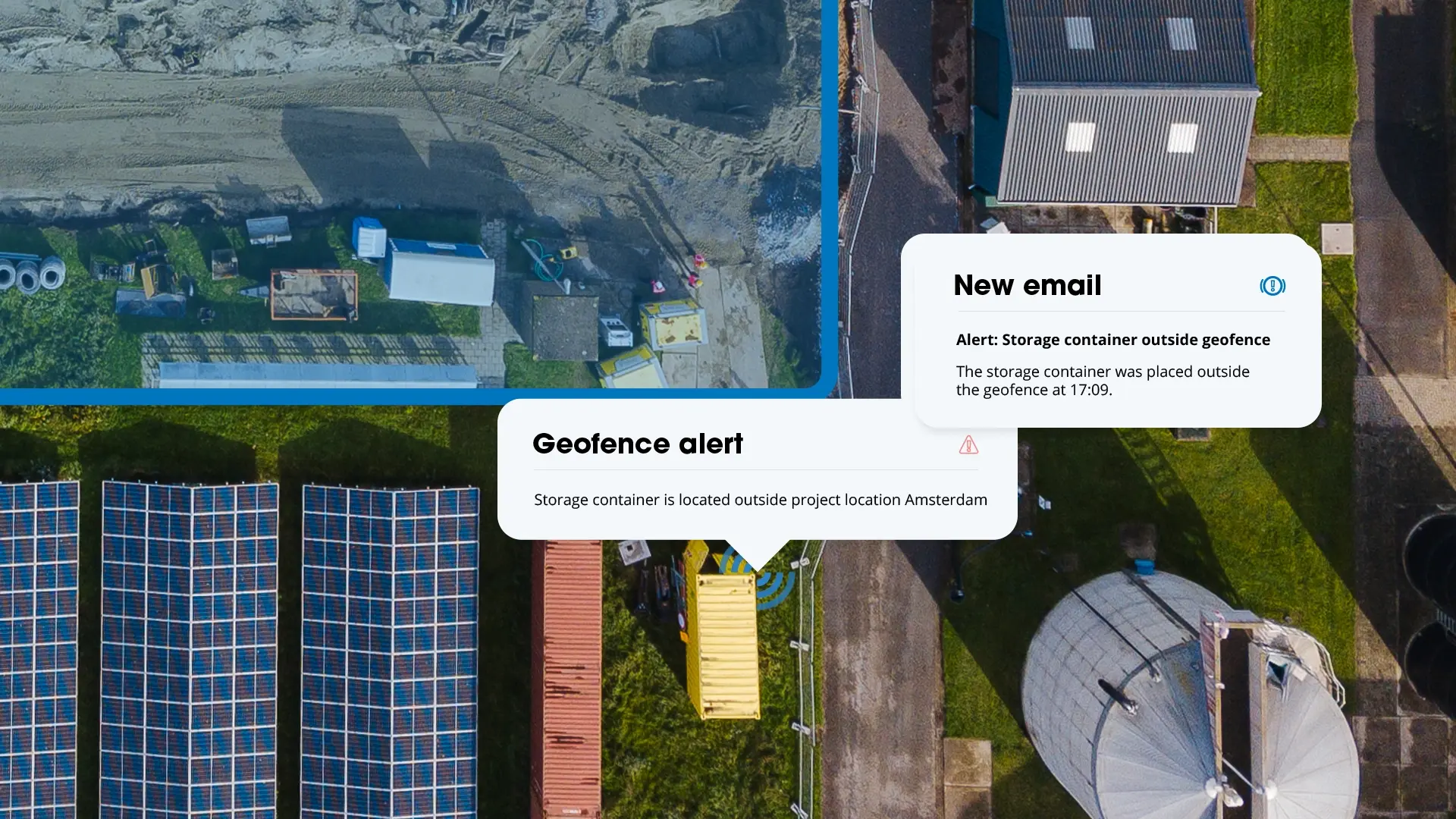
Aerial view of a construction site with a yellow storage container outside the geofence, with geofence and email alerts

Alerting at a glance

GPS-Buddy hardware collects data such as location, temperature, fuel level and battery voltage. Alerting continuously compares this data with the limits set by the organisation. The main features:

  • Notifications based on vehicle data, location and driver. An alert responds, for example, to a temperature that is too high, a vehicle leaving a location, or a vehicle without a registered driver.
  • Multiple conditions in one alert. A notification is only sent when all conditions apply at the same time, for example a speed above the set limit while a vehicle is on a construction site.
  • Delay and schedule. A delay ensures that an alert is only triggered if a deviation persists. With a schedule, an alert is only active on set days and at set times.
  • Priority levels. Each alert is given a low, medium or high priority, so it is immediately clear which notification takes precedence.
  • Notifications via multiple channels. In Flowter and by email, or via partner Notifense as a phone call, SMS or Telegram message.
  • Repeated notifications grouped. If the same situation occurs repeatedly for the same vehicle, those notifications are combined into a single notification with a counter and full history.

How Alerting works

Tab titel
Transport   vrachtwagen verlaat logistiek centrum

Set when a notification is needed

An alert can respond to values such as temperature, humidity, fuel level, AdBlue, battery voltage or vehicle weight. A notification can also be sent as soon as a door opens or a vehicle or machine is started. The same applies to a vehicle with no registered driver, or a vehicle entering or leaving a location. Multiple conditions can be combined in one alert.
Tab titel
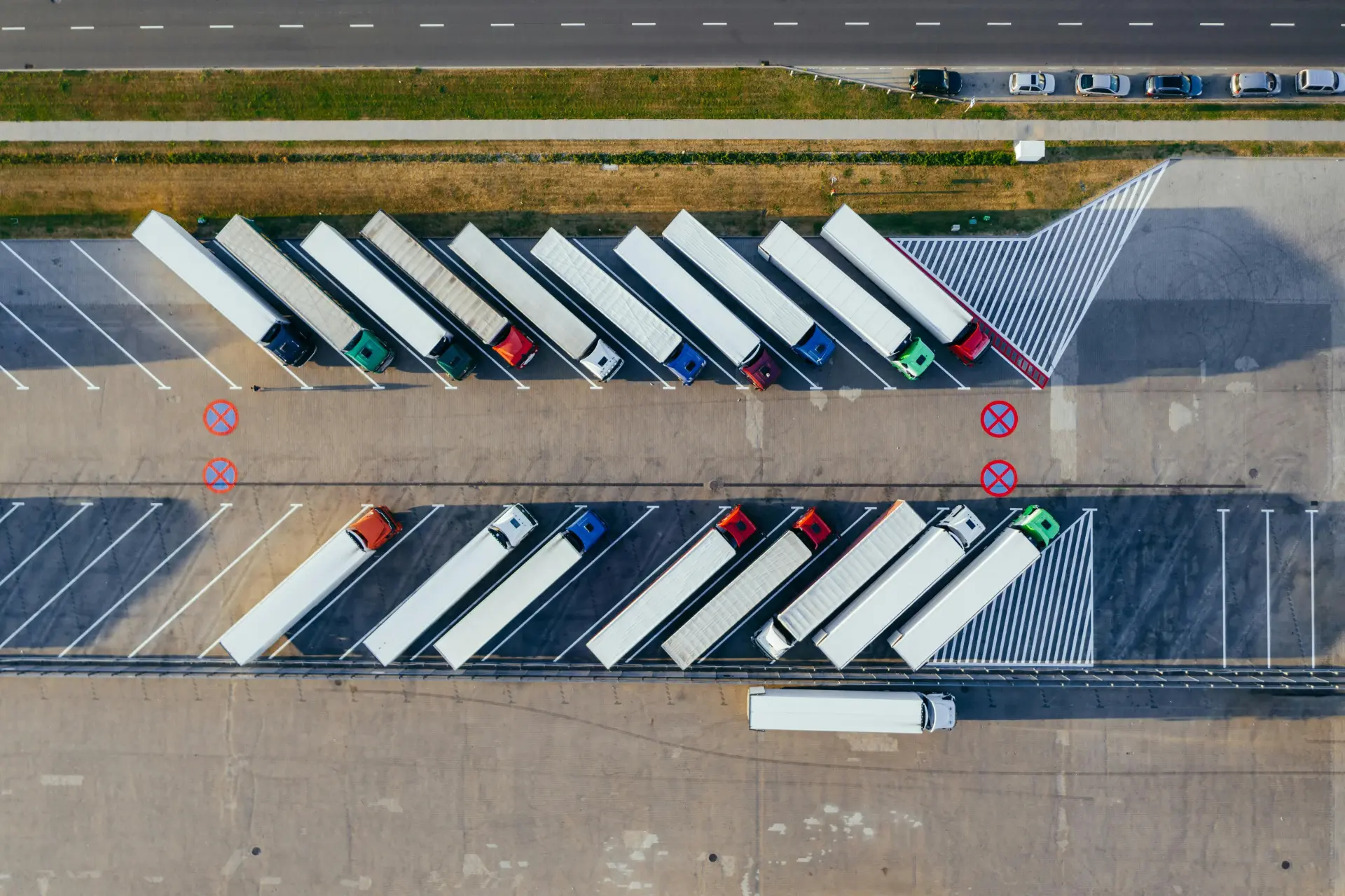
Aerial view of trucks parked diagonally at loading bays

Decide where, when and for whom.

An alert applies to the entire fleet or to selected vehicle types, groups or individual assets. With a schedule, an alert is only active on set days and at set times, for example outside working hours. For each alert, you also set the priority: low, medium or high. This shows at a glance which notifications take precedence and which are mainly for information. You also decide who receives the notification, with up to 50 recipients per alert.

Tab titel
Trucks on the road in the Netherlands | GPS-Buddy

Receive the notification and follow up

As soon as a situation occurs, the notification appears in Flowter and an email is sent to the recipients. It states which alert was triggered and when, for which vehicle, with which driver, at which address and with which measured values. A link in the email opens the notification directly in Flowter.

Tab titel
Construction workers pour and level concrete for a foundation or road.
01
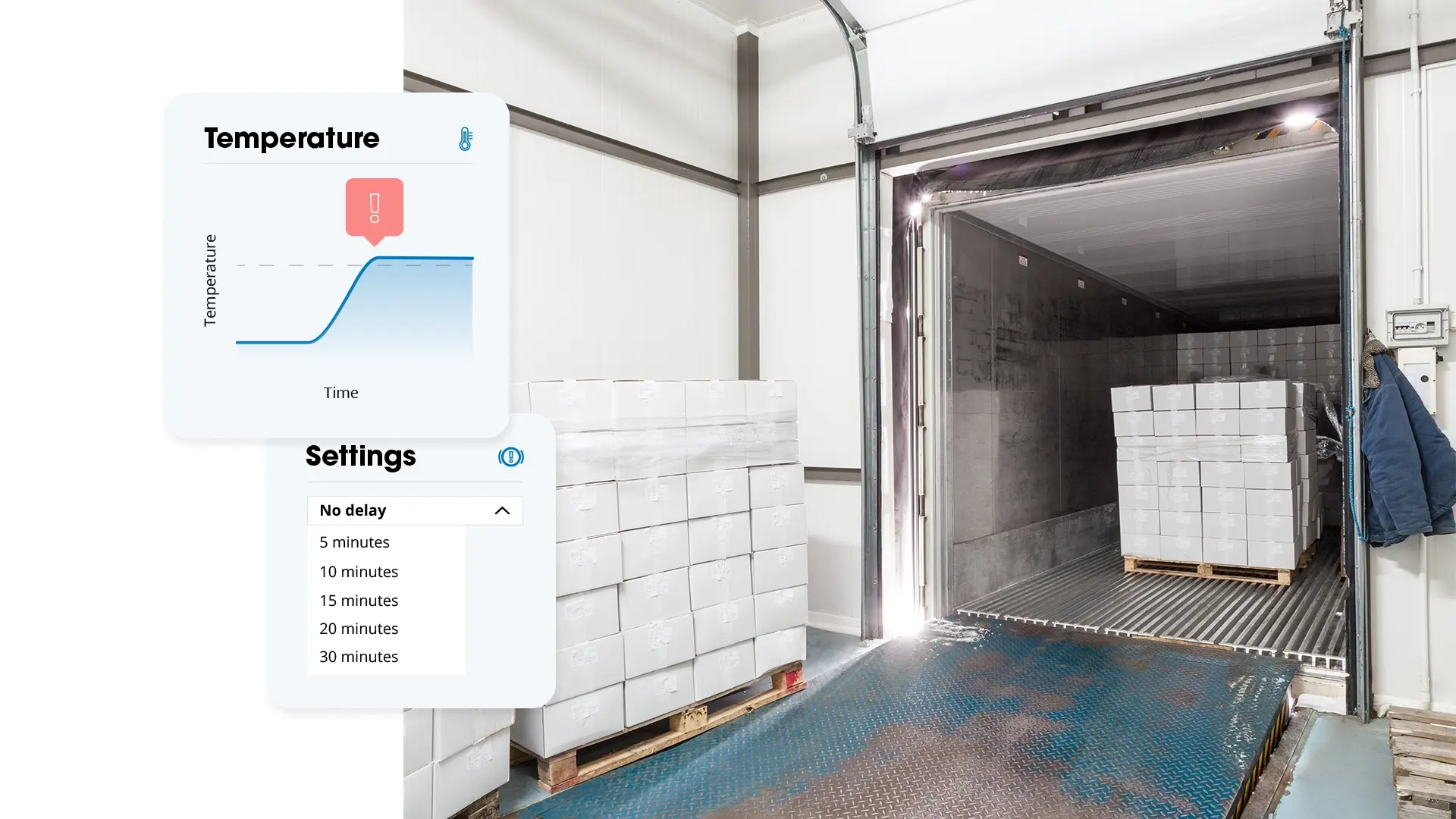
Cold store loading dock with pallets, temperature graph exceeding the threshold and alert delay setting

Notifications under control

A delay of 5 to 30 minutes can be set per alert. The alert is then only triggered if a deviation persists. Think of a loading door that is briefly opened, causing the temperature in a refrigerated trailer to rise for a moment. If the value returns to normal within the set time, no notification is sent. Without a delay, the notification follows immediately. If the same situation repeats for the same vehicle, Alerting groups it into a single notification with a counter and history. This keeps the overview clear.

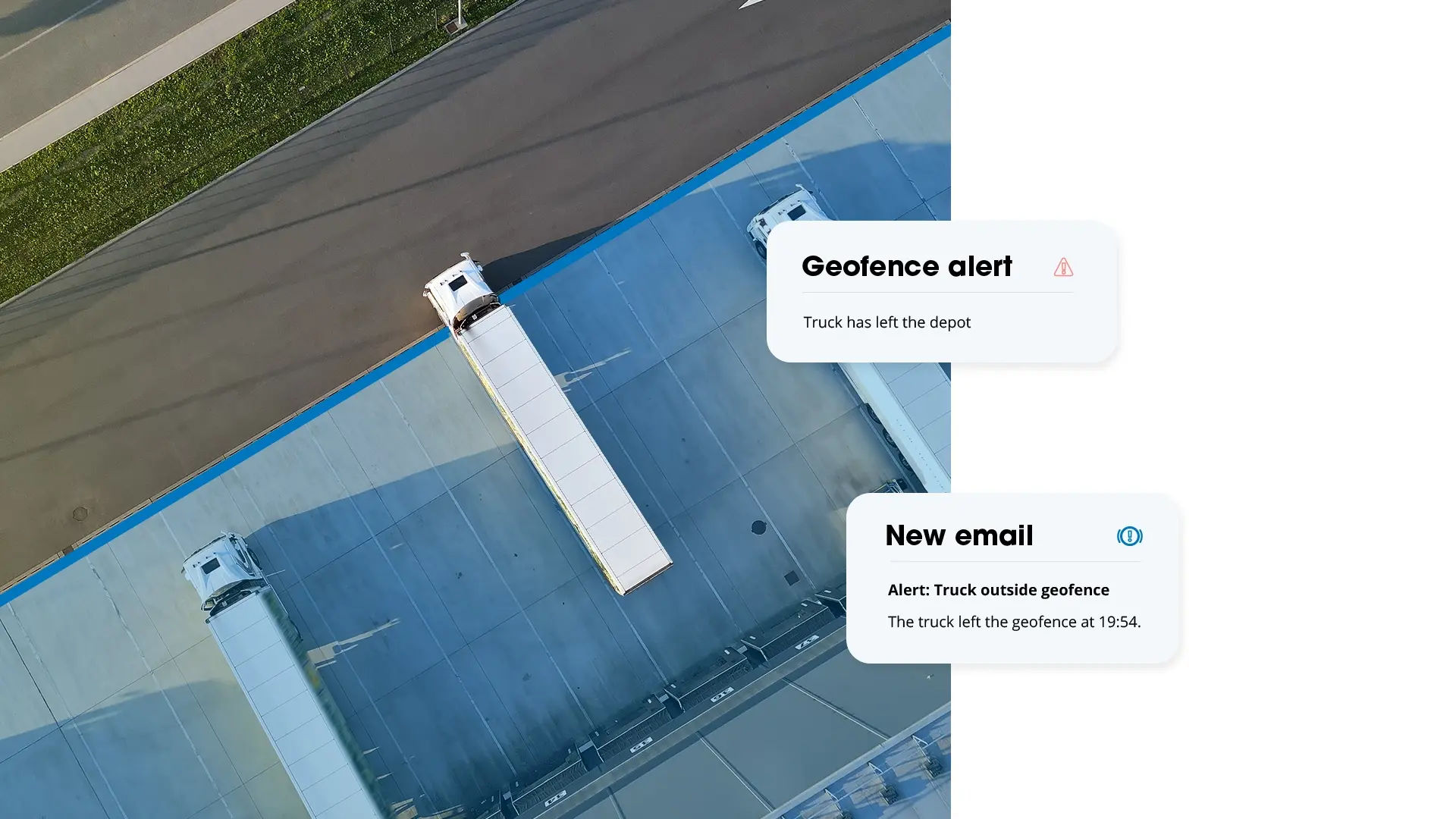
Aerial view of trucks at a distribution centre with geofence and email alerts that a truck has left the depot

Geofence: notification on arrival or departure

Geofences can be set up around projects, depots or loading addresses. As soon as a vehicle or machine enters or leaves such a zone, a notification is sent. Think of equipment leaving a construction site at night, or a trailer arriving at a location.

A location can also be part of another alert. The alert is then only checked while a vehicle or asset is inside or outside that area. A temperature alert, for example, is then only triggered when a refrigerated trailer is outside its own depot.

2,000+ market leaders rely on our technology

KLM logo
Huuskes
Apeldoorn
Post nl
Dura vermeer
Van mossel
Saint gobain
Kws
Gemeente almere
Knokke heist
Reimert groep

Notification of unauthorised use

An excavator started on a Saturday night or a van taken into use on a Sunday is usually only noticed afterwards. With Alerting, unauthorised use is immediately visible. An alert is triggered as soon as a vehicle or machine is started outside the set working hours. A vehicle started without a registered driver can also be set up as an alert.

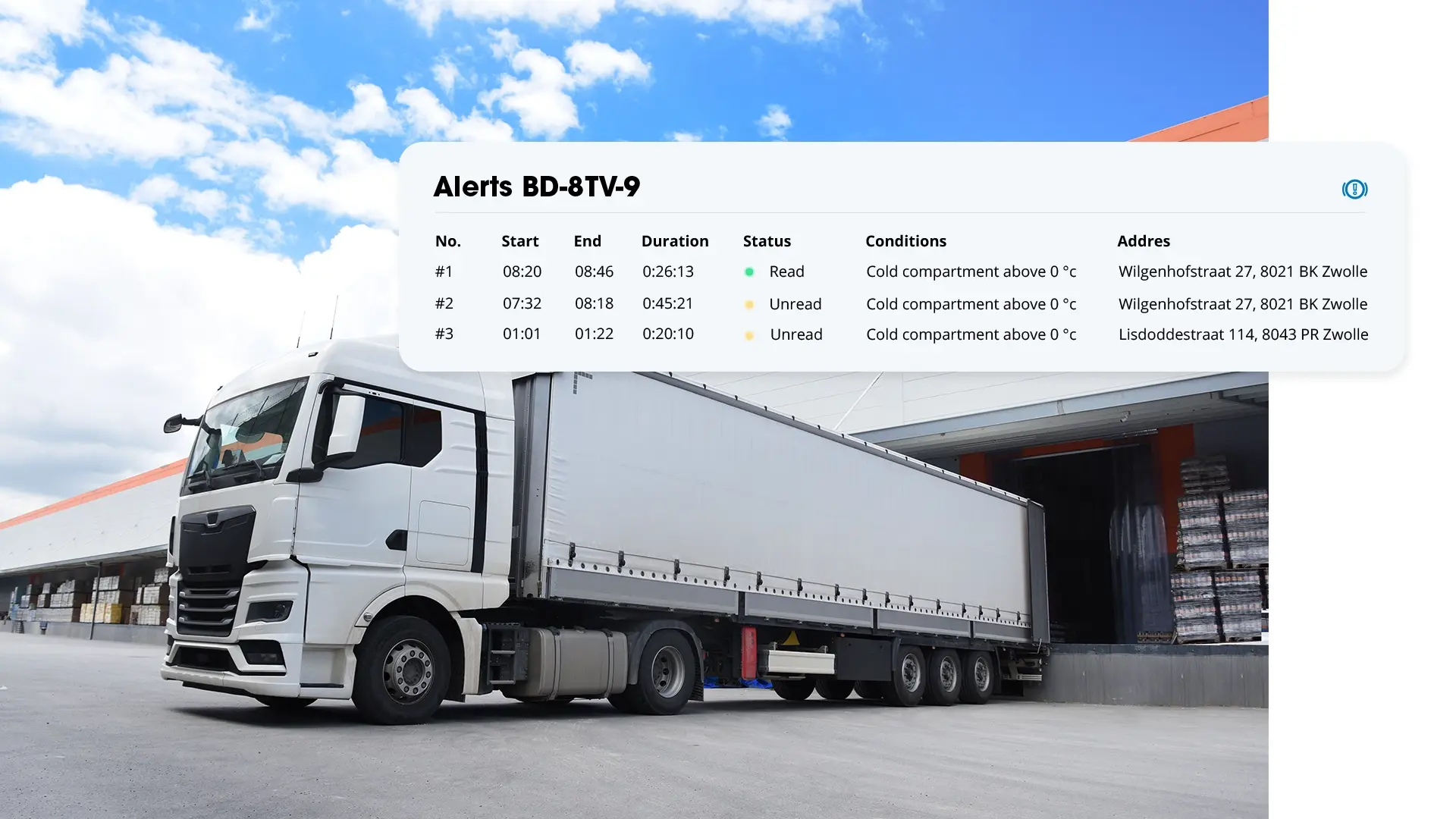
Truck at a loading dock with a Flowter overview of temperature alerts with times, duration, status and address

Notifications in Flowter and by email

In Flowter, all notifications are shown in one overview, each with the address, position on the map, status and conditions. Once a notification has been opened, its status automatically changes to read. This shows at a glance which notifications have already been viewed. Users can add a comment, for example that a notification was triggered at the depot and requires no action, or what action has been taken.

By email, a notification is sent immediately to up to 50 recipients, or grouped in a summary, from every 15 minutes to once every 24 hours. It is also possible to set up an automatic email as soon as the situation has been resolved.

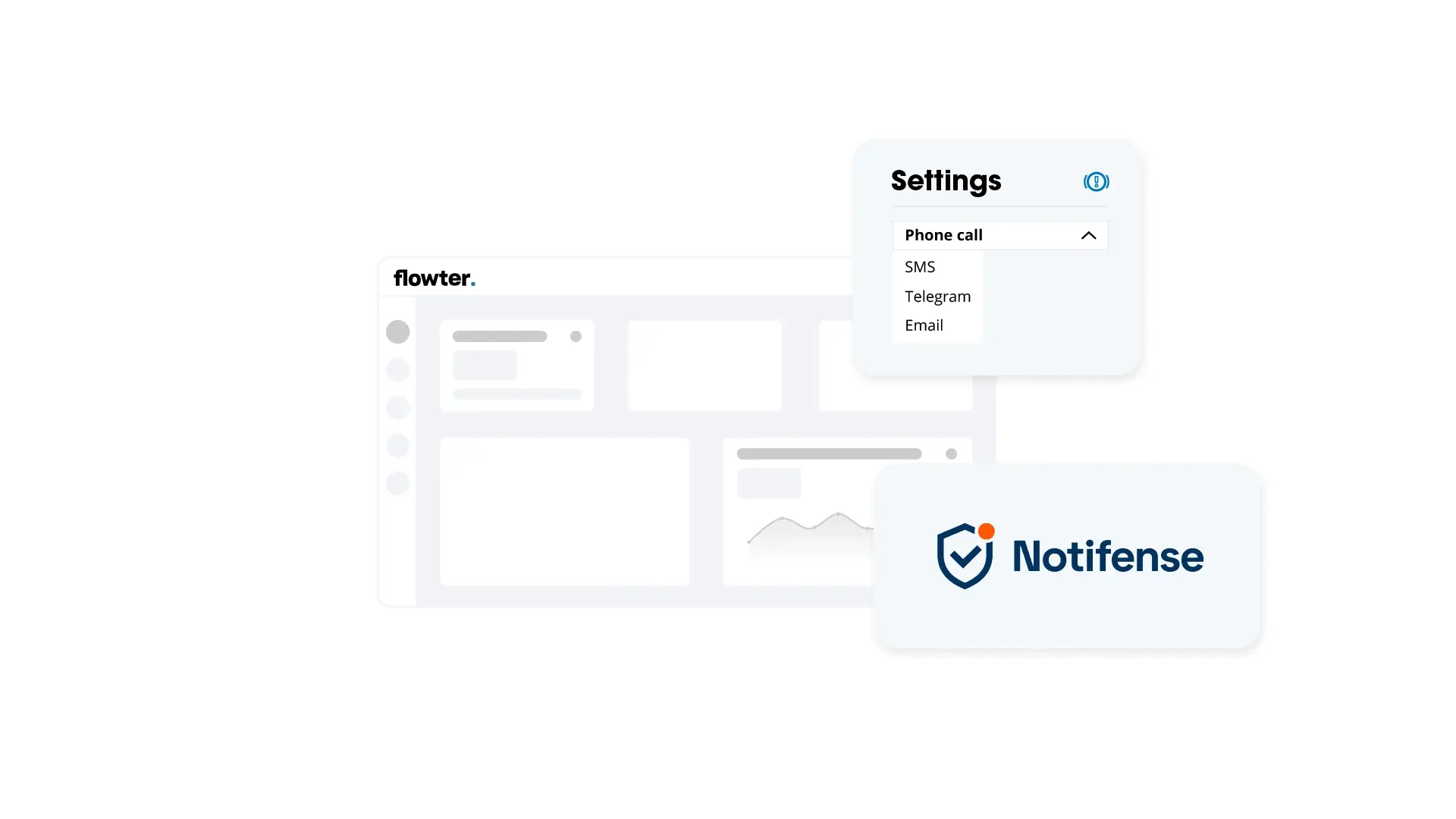
Flowter dashboard with alert channel settings for phone, SMS, Telegram or email and the Notifense logo

Phone calls, SMS and Telegram with Notifense

Some situations call for more than an email, such as a suspected theft outside office hours. Someone then needs to respond immediately. For this, GPS-Buddy works with Notifense. Through this integration, a notification can also arrive as a phone call, SMS or Telegram message. This allows the right person to take action straight away, even when nobody is in front of a screen.

Want to know more about Alerting?

With Alerting, it is immediately clear when action is needed. The organisation decides which situations need attention and who should be informed. This turns vehicle and equipment data into fast action. Contact us or request a no-obligation demo.

Read more about Alerting

Frequently asked questions and answers. Is your question not listed? Feel free to contact us.

Which sensors can be used for an alert?

All sensors that have been set up for a vehicle or asset and enabled for alerts, for example for temperature, fuel level, AdBlue, battery voltage and weight. Door and ignition can also be used. Assets without a particular sensor are automatically skipped for that condition.

Through which channels do notifications arrive?

In Flowter and by email. Through the integration with partner Notifence, also as a phone call, SMS or Telegram message.

What happens if an alert generates too many notifications?

Alerting has built-in limits. An alert with more than 1,000 notifications or more than 200 emails per day is automatically disabled, with the reason shown. After refining the conditions or narrowing the selection, the alert can be enabled again. If more than 5 emails per minute are generated, the rest are grouped in a summary. No notifications are lost.

Can I temporarily disable an alert?

Yes. An alert can be deactivated and reactivated later.

Afbeelding 11
Get started with Alerting